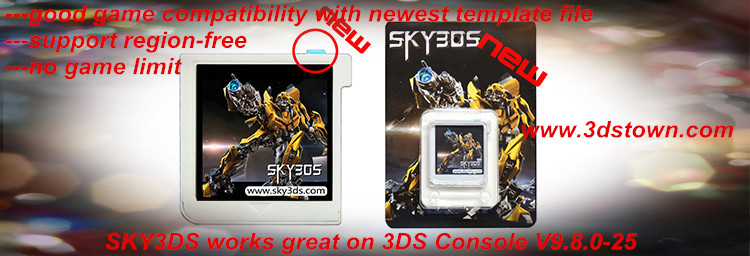
Sky3DS works great with the Smea's regionFOUR!
What is regionFOUR?
regionFOUR is a region free loader for
New3DS/New3DSXL/3DS/3DSXL/2DS which currently works on on firmware
versions 9.0 through 9.8 (including 9.1, 9.2, 9.3, 9.4, 9.5, 9.6 and
9.7, 9.8). That means you can play JP games on EUR console or play US games on JP console, it supports playing diffferent region version games on different region console system. It also allows you to bypass mandatory gamecard firmware updates.
It currently requires that you own a copy of Cubic Ninja from your region in order to run. View the video operation here.
How do I run regionFOUR ?
1, Go to the "get
regionFOUR"
page and enter your console's firmware version.
2, Hit submit; you should get your very own
regionFOUR QR code.
3, Make sure your 3DS's wifi connection is enabled and connected to the internet (this is important!).
4, Write/Flash game rom cubic ninja to game flashcard Sky3ds and insert Sky3ds into console slot. Start CUBIC NINJA on your console, choose "Create", then "QR code", and finally "Scan QR code".
5, Scan the QR Code. This step might take a
couple tries; make sure you fill up as much of your 3DS's screen with
the QR code. If scanning the QR code returns to menu with an error, try a
few more times.(Note: if your console has scanned QR code in the past time, just press the console 4 button L+R+X+Y at the same time, the old code will be cleaned.)
6, Follow the on screen
instructions. You may choose not to install the exploit to your
gamecard's savedata, though doing so is not recommended.
7, Once
regionFOUR is ready,
you will be prompted to insert your out-of-region gamecard. Simply
remove the Cubic Ninja gamecard, insert your gamecard and press START.
8,
OPTIONAL - once the
regionFOUR is installed to your gamecard, just go back to the "QR code" menu and it'll run automatically!
With Sky3ds game flashcard, you can play JP
games on EUR console or play US games on JP console, it supports playing
diffferent region version games on different region console system.
 [Mirror Download Link]